COINS & SPACES
Exchange & Spaces
Check your current coin balance, visit the Coin Exchange, and browse new spaces from the Spaces kiosk.
EXPLORE CLUB ROOM
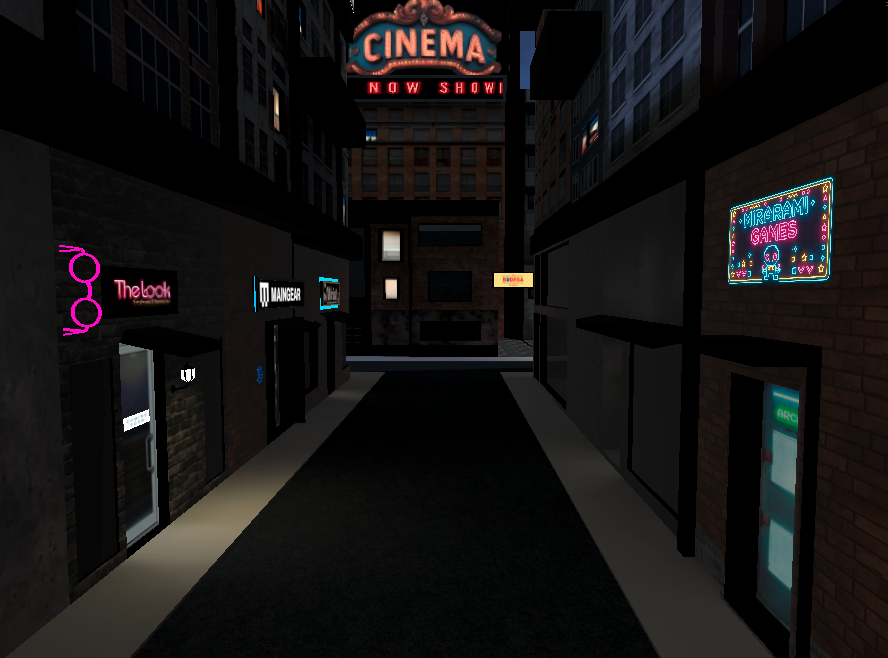
The City is CLUB ROOM's original city district — the world just outside CLUB ROOM Towers.
Walk the streets, visit shops, discover entertainment and social destinations, or head underground and ride the subway to M-City.
THE ORIGINAL CITY
Step outside CLUB ROOM Towers and enter The City, CLUB ROOM's original urban district. Some destinations are part of the live City itself, while larger experiences connect through dedicated transitions designed to keep CLUB ROOM running smoothly in VR.
From walk-in shops and shared city streets to entertainment, community spaces, and transportation between cities, The City is one of the main hubs of the CLUB ROOM world.
EXPLORE THE CITY
Jump directly to a CLUB ROOM destination, shop, experience, or community space.
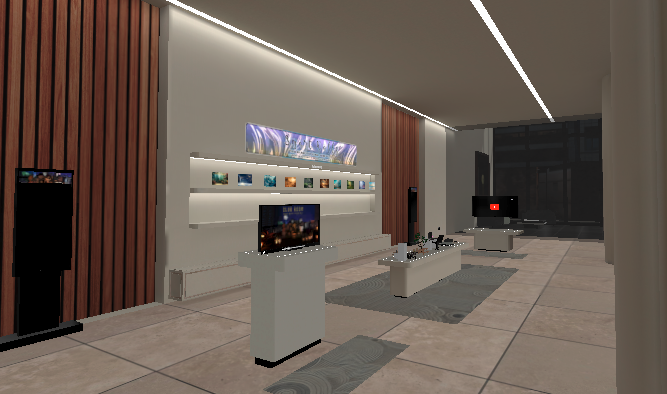
MAIN HUB
Shopping, assets, spaces, coins, and the main Lobby.
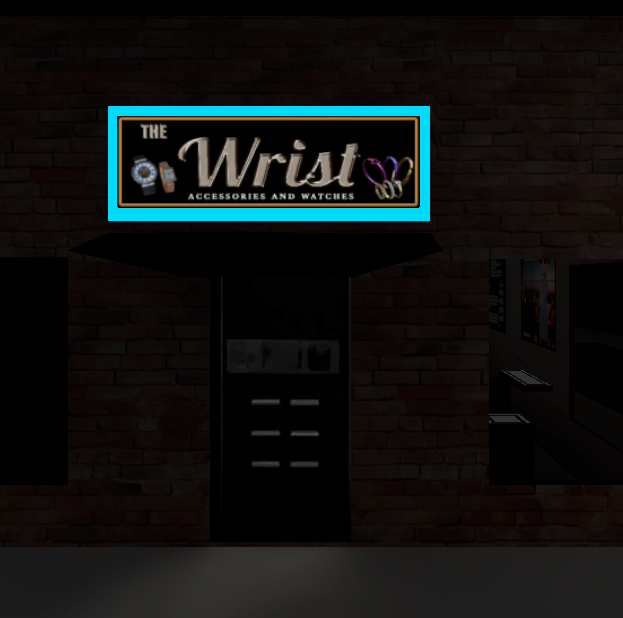
WALK-IN SHOP
Shop for watches, bracelets, and rings.
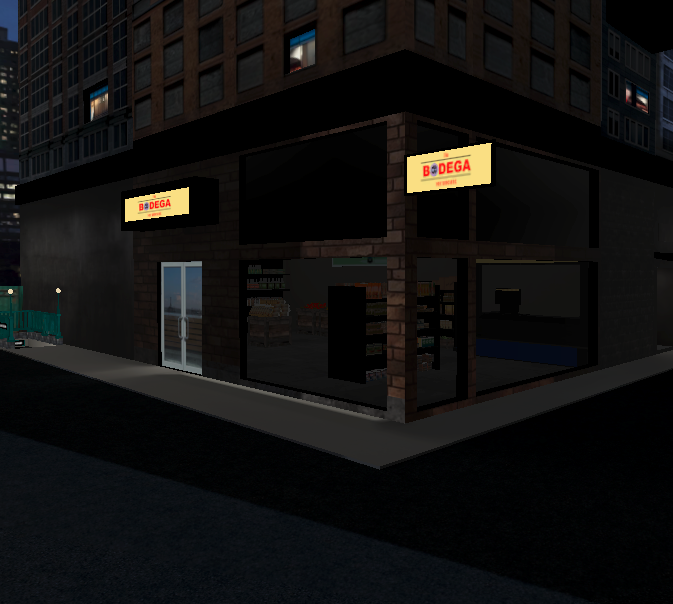
FREE ITEMS
Pick up free food items and grocery-style props.
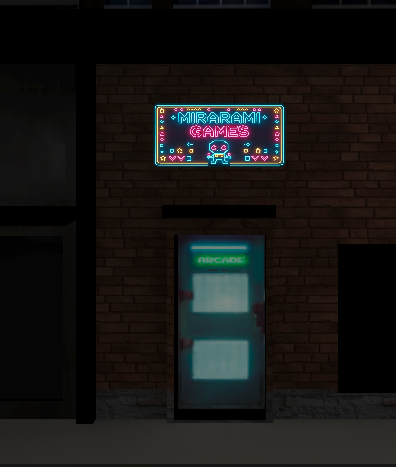
FREE TO PLAY
Power up a console and play Mirarami games.
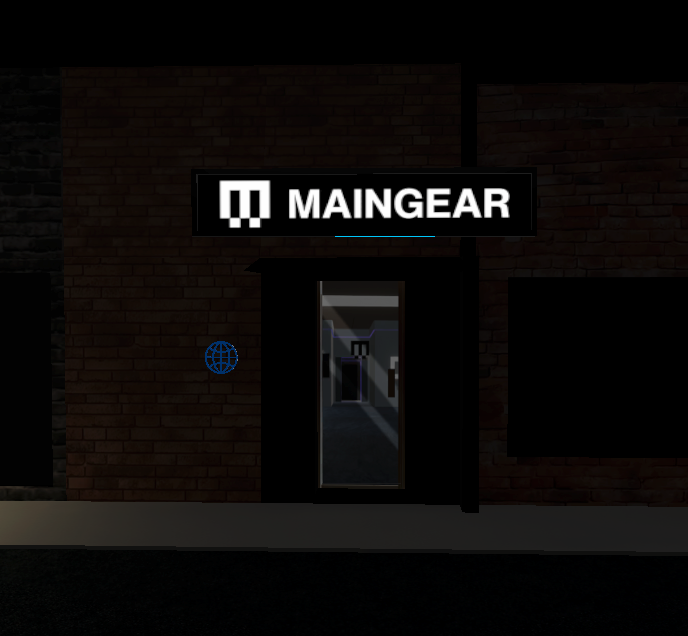
SHOWROOM & LAN CAFE
Explore the MG-1 Showroom and interactive LAN Cafe.
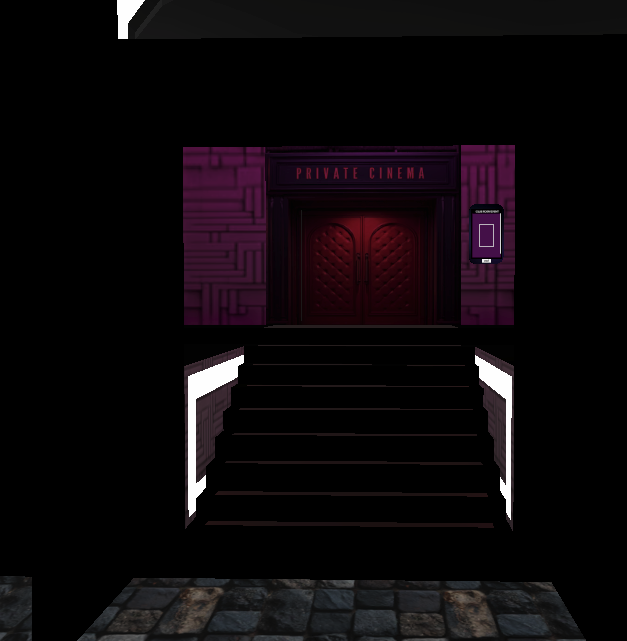
PRIVATE VIEWING
Host a Cinema and stream together with friends.
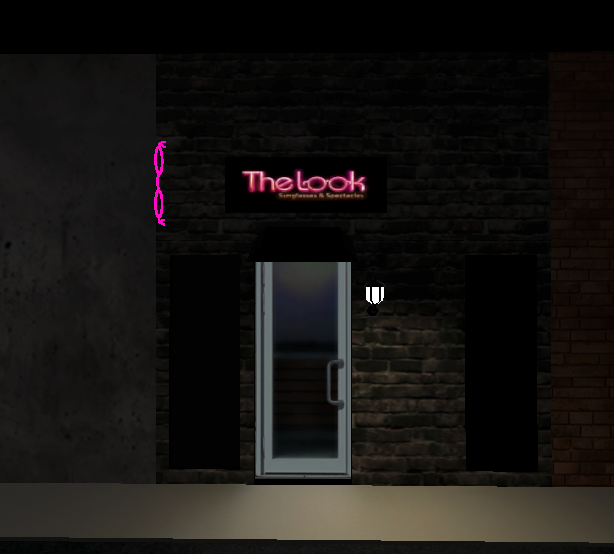
NOW OPEN
Explore glasses and eyewear for your CLUB ROOM look.
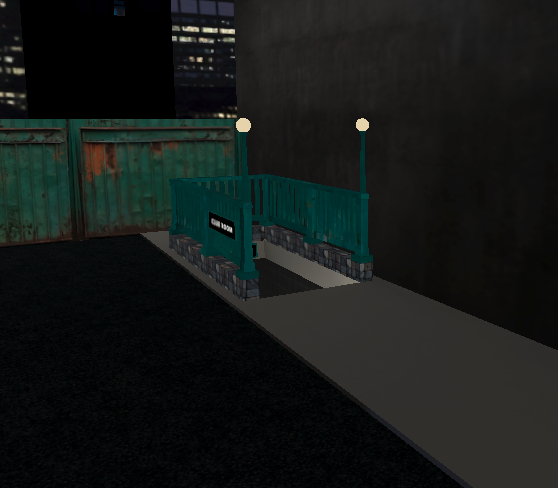
CITY TRANSIT
Ride the shared subway from The City to M-City.
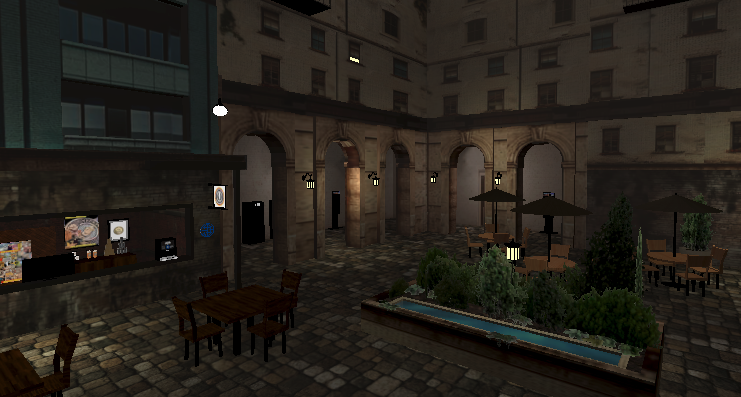
COMMUNITY SPACE
A protected adult community space connected to the Towers.
CLUB ROOM TOWERS
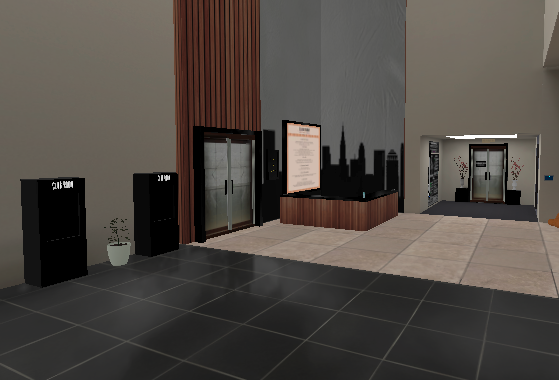
CLUB ROOM Towers is the main Lobby and one of the most important destinations in CLUB ROOM. This is where users browse kiosks, discover assets from a wide range of categories, and find new ways to personalize and decorate their own spaces.
The Lobby is also a social meeting point where users can meet new people, connect with friends, check their coin balance, visit the Coin Exchange, browse available spaces, and head out into The City or enter the Courtyard.
EXPLORE THE LOBBY
The Lobby connects users to CLUB ROOM's asset, space, currency, City, and community systems.
COINS & SPACES
Check your current coin balance, visit the Coin Exchange, and browse new spaces from the Spaces kiosk.
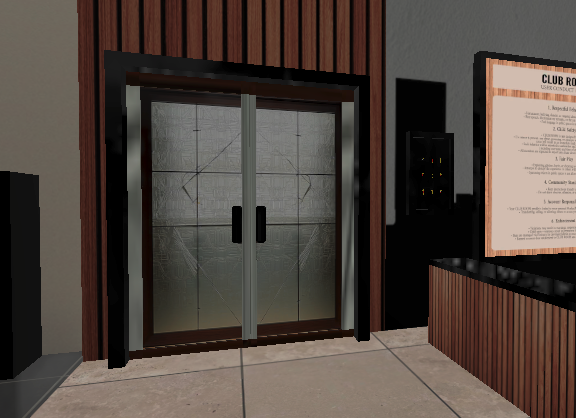
EXPLORE
Leave CLUB ROOM Towers and transition directly into The City to explore shops, destinations, entertainment, and transit.
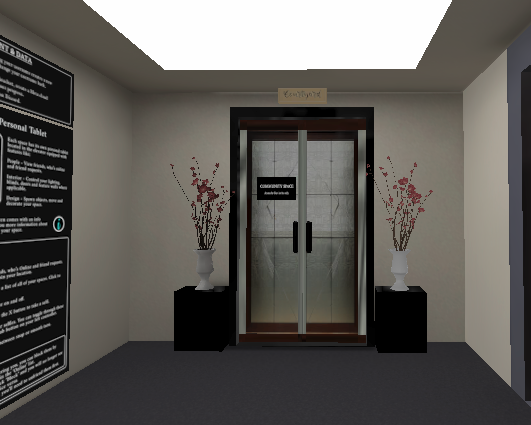
COMMUNITY SPACE
The Lobby also connects to the protected Courtyard community space, offering another place to relax and spend time together.
LIVE IN THE CITY
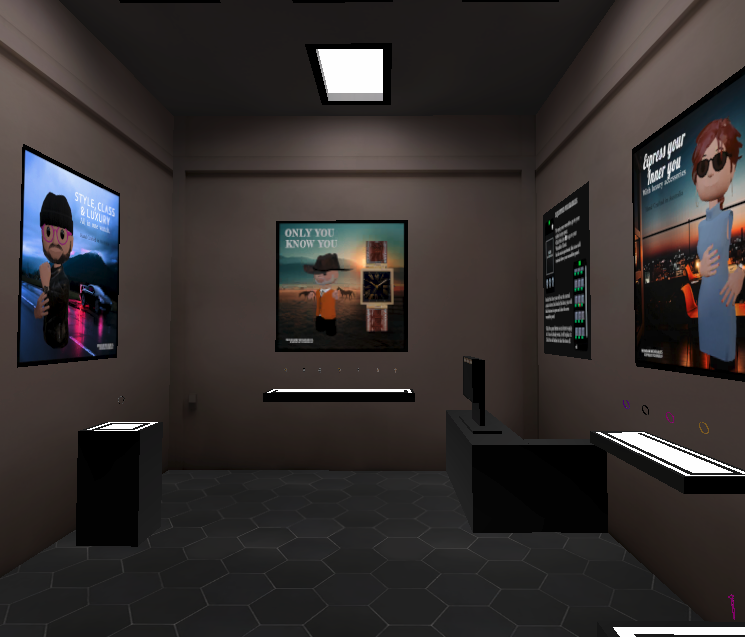
The Wrist is a walk-in shop built directly into The City. No scene transition is required — just walk through the doors and browse while the City stays active around you.
Shop the kiosk for watches, bracelets, and rings to wear throughout CLUB ROOM. Because The Wrist is part of the live City scene, other users can walk in, browse, and spend time there alongside you.
WEARABLES
Browse The Wrist kiosk and choose from wearable accessories available inside CLUB ROOM.
LIVE IN THE CITY
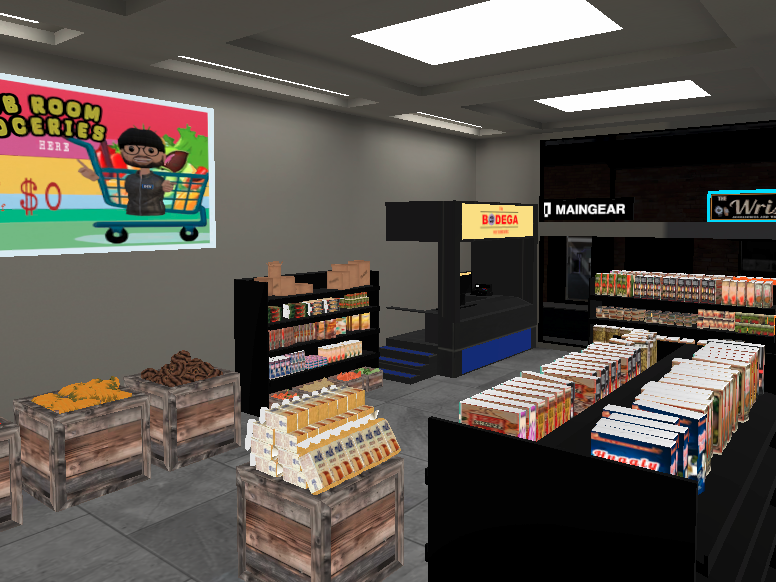
The Bodega is another walk-in destination built directly into The City. There is no scene transition — users can simply walk inside while remaining part of the live City environment.
Inside, users can pick up free food items and grocery-style props to use throughout CLUB ROOM. These include canned goods, ribs, chicken, kabobs for BBQ grills, and other food-related items. There are no limits on how many of these free items users can collect.
FREE ITEMS
Step inside The Bodega and browse free food items and grocery-style props available to collect and use throughout CLUB ROOM.
CONNECTED DESTINATION
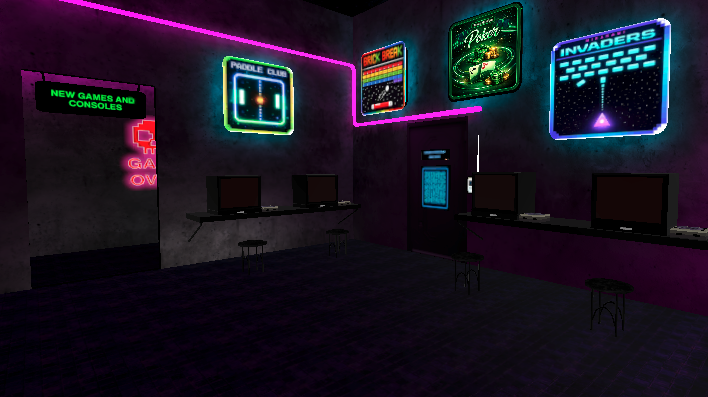
Enter the Mirarami Games Arcade from The City and transition into a dedicated space filled with custom-designed Mirarami games.
Choose a console, press the power button, select a game from the screen, review the on-screen instructions, and start playing. Games available inside the Arcade are free to play.
FREE TO PLAY
Arcade gameplay is intentionally local and private to the player using the console. Other users in the Arcade cannot watch another user's active game session.
Keeping active gameplay local helps CLUB ROOM reduce unnecessary performance load, jitter, and lag while users enjoy the Arcade together in the same space.
Users can also purchase a Mirarami game console for their own personal spaces. Every console includes three free games, and additional games owned by that user can be played on their own console.
Purchased games remain tied to the owner's console experience. Visitors to another user's space will only see the three free games that come with that console, not the owner's purchased game library. This helps prevent inventory conflicts between users.
Inside the Mirarami Games Arcade, new games remain free to play with no restrictions.
CONNECTED DESTINATION
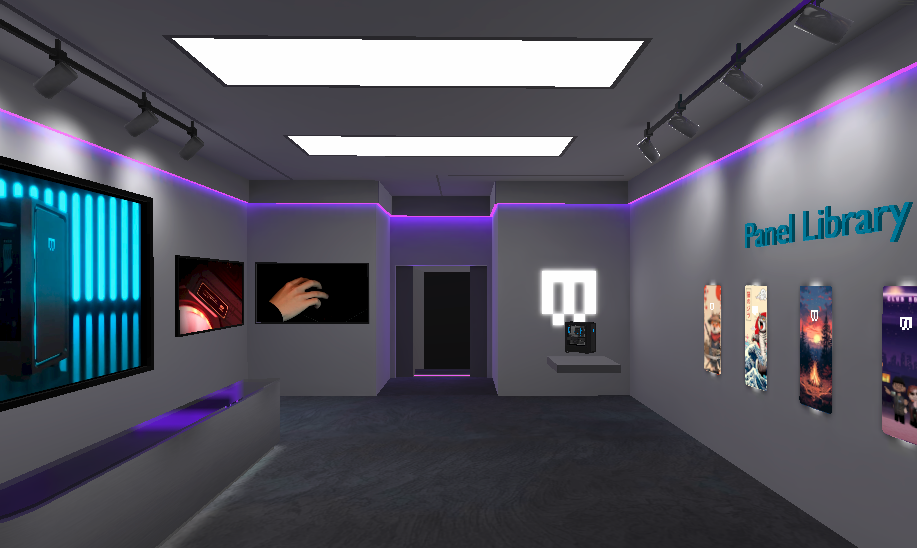
Enter MAINGEAR from The City and transition into a dedicated Showroom and LAN Cafe experience built inside CLUB ROOM.
Explore the MAINGEAR Showroom, discover MG-1 designs, or head into the LAN Cafe and use interactive computer stations built for the CLUB ROOM environment.
MAINGEAR SHOWROOM
The Showroom features interactive MG-1 towers and a panel library where users can choose displayed front-panel artwork and receive a free MG-1 tower featuring that design.
The free Showroom MG-1 is the tower itself. Users can press its power button to activate its lights and spinning fans.
ORIGINAL PROMO
Watch the original promotional video created when MAINGEAR was introduced into CLUB ROOM.
MAINGEAR
See the original CLUB ROOM presentation of the MAINGEAR experience when it was first introduced.
CONNECTED DESTINATION
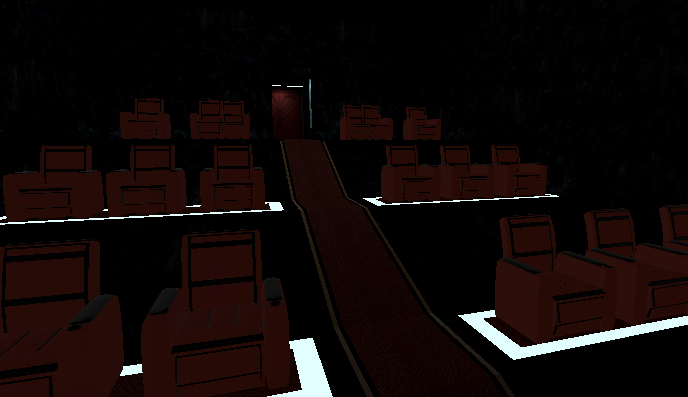
Enter the Cinema from The City and transition into a dedicated private viewing experience where users can stream content from their home computer and watch together inside CLUB ROOM.
The first person entering creates their own Cinema instance and becomes the host. If a friend enters the Cinema independently, they create a separate Cinema rather than automatically joining yours. To watch together, one person should enter first. Friends can then join through CLUB ROOM's invite or event systems, or use the in-app cellphone to join a friend who is currently joinable inside the Cinema.
INSIDE THE CINEMA
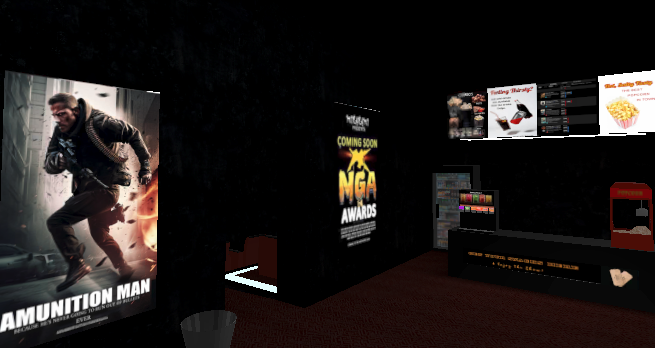
Pick up free popcorn and drinks before heading into your Cinema viewing space.
FREE CONCESSIONS
Visit the Cinema concession area and grab free popcorn and drinks before entering the viewing room. When finished, users can dispose of popcorn and drinks in the Cinema trash cans if they want to clean up their space.
PRIVATE OR SHARED
Host your own Cinema, invite others to join you, create an event, or join an available friend through the in-app cellphone so your group can watch together in the same instance.
Cinema seats support teleport seating and reclining. Aim the teleport beam at a chair until the beam turns white and the green circular target appears, then release the right-hand controller stick to teleport into the seat.
Once seated, the UI button on the right arm of the chair becomes active. Press it to recline the chair, and press it again to return the chair to its upright position.
The Cinema host also has access to additional controls. Hosts can spawn an amplified microphone and use the provided Cinema tablet to remove users from their Cinema instance when needed.
The Cinema tablet can be customized for size and color. Toggle through the available options, then press Save to keep those settings for your Cinema tablet.
NOW OPEN IN THE CITY
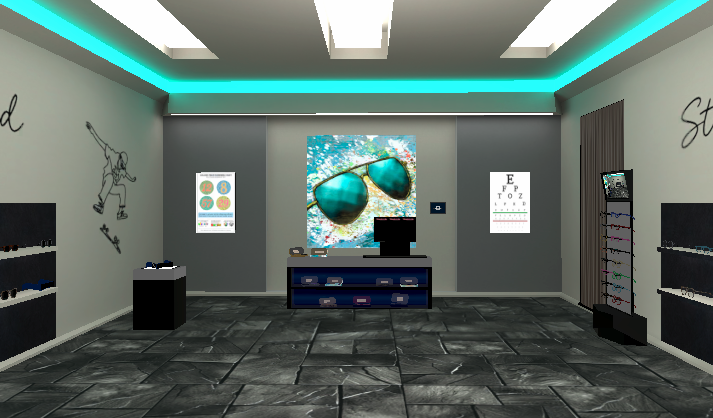
The Look is now open in The City! Visit the shop to explore glasses and eyewear for your CLUB ROOM style.
Browse the eyewear displays, then step into the dressing room to try on every pair of glasses and shades before deciding which ones suit your look.
CITY TRANSIT
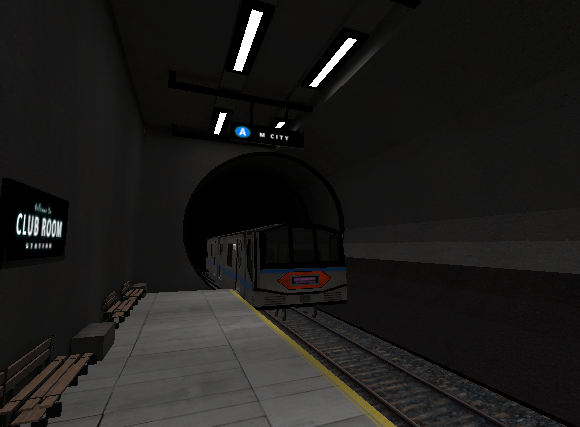
Head underground from The City and take the subway to M-City. Entering the subway transitions you into CLUB ROOM's dedicated underground transit environment.
Trains run automatically as part of the shared transit system. When the M-City-bound train arrives, the doors open, users can board together, and the train carries everyone toward M-City.
SHARED TRANSIT
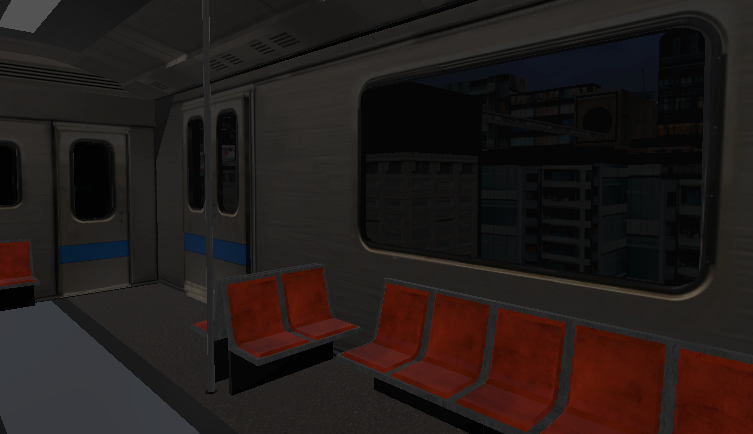
The subway ride is part of the experience, not just a loading screen. Users can ride together and watch the city pass outside the train windows on the way to M-City.
M-CITY BOUND
Trains arrive automatically. When the M-City-bound train stops and the doors open, step aboard for the trip across CLUB ROOM.
IMMERSIVE TRAVEL
Ride with other users inside the train and watch the city move past the windows as you travel toward M-City.
PROTECTED COMMUNITY SPACE
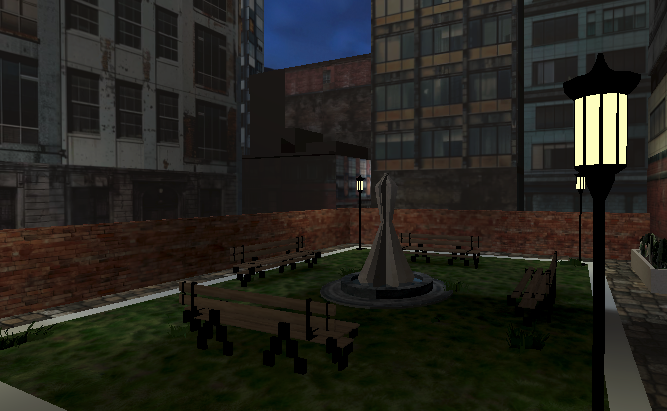
The Courtyard is a protected adult community space connected to CLUB ROOM Towers. Authorized community members can relax, socialize, browse kiosks, visit the Spaces kiosk, and use the Coin Exchange in a quieter outdoor setting.
Access is limited to approved adult members of the CLUB ROOM community. Users cannot invite others directly into the Courtyard or join someone there through the in-app cellphone.
RELAX & SOCIALIZE
The Courtyard includes tables, chairs, umbrellas, benches, city views, and places for community members to spend time together away from the main Lobby.
Users can spawn free "Who's Your Coffee" cups while spending time in the Courtyard. Who's Your Coffee was the first brand featured in CLUB ROOM, which is also why its coffee cups can be found in The Bodega kiosk.
Users may also spot Maddcoffee behind the counter from time to time, serving additional coffee selections — all free.
When finished, cups and other supported items can be cleaned up using the Courtyard recycle bin.
An Event Board is mounted on the wall to the right of the Courtyard entrance, giving users another place to view CLUB ROOM events while visiting the space.

WHO'S YOUR COFFEE
Who's Your Coffee was the first brand featured in CLUB ROOM. Its coffee cups can be found in the Courtyard and in The Bodega kiosk.
Scan this QR code with your smartphone camera to visit the Who's Your Coffee beverage page and explore their real-world coffee and beverage selections.
COMMUNITY STANDARDS
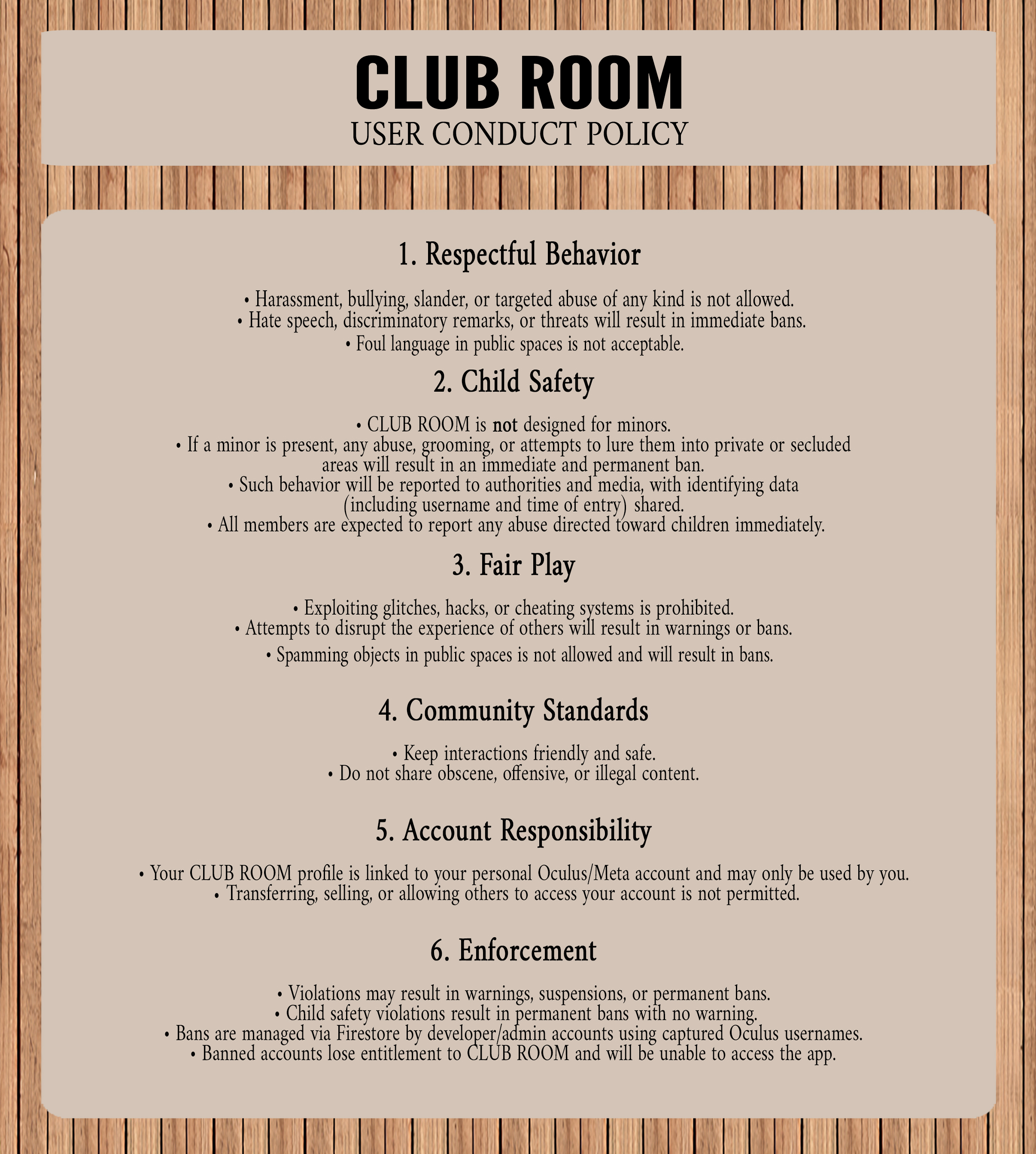
CLUB ROOM's User Conduct Policy is posted inside the Lobby so users can review the community standards and expectations that help keep shared spaces welcoming and safe.